
menu

close
Retail ERP
Get an easier and more efficient user experience with Value Plus system through a sales screen designed to meet all your needs for smooth sales operations. Enter your products easily thanks to Value Plus support for barcode devices, and issue invoices including price, discount and tax items; Select discount types either on the whole sale or on each product individually with the ability to choose between discounting by percentage or amount, seamlessly manage returns from customers, and receive or spend cash during the session with specially designed windows
Organize sales sessions for your employees for a smoother workflow
With the point of the sale system software, start a new session for you as the system administrator (admin) or one of your sales staff, and go to the account selling screen, which is designed to provide an easy user experience with clear display windows that show product lists with names and images with classification according to each of them to facilitate search Define invoice items, and enter your products directly through the barcode machines that are fully supported by the Value Plus system.

Define point-of-sale devices and select their stores
Define point of sale devices in the cashier system from Value Plus and link each of them to one of the stores registered in your account to show the effect of the movement of products in it in real-time and perform balance operations for quantities at the end of each session easily, and determine the total sales for each store separately to make decisions based on that to increase your profits and manage your store professionally.

Make sales from anywhere with the cloud POS app
Make sales of your store quickly and easily anytime and anywhere from any device you have with Value+ cloud point of sale application, get access to your products whether you are using a computer, smartphone or tablet to ensure the satisfaction of your customers and the implementation of your various operations smoothly.
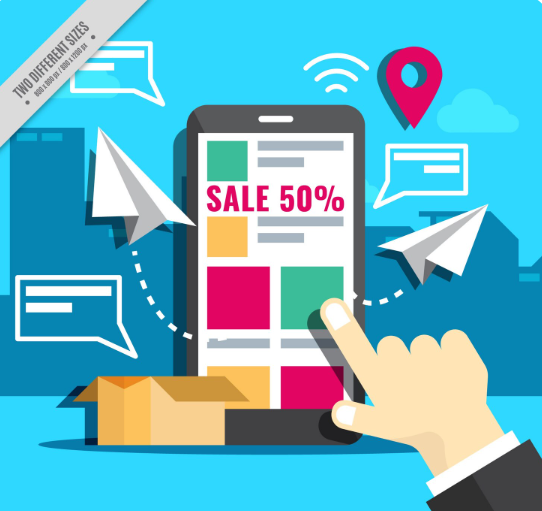
Use barcodes to easily make sales through the cashier program
Value Plus supports the use of barcode devices to search for products and enter them into invoices during the sales process to save time and effort for your sales officials, when scanning barcodes through supported devices; Complete product data appears on the screen of the used point of sale device, including the product price, it's rating, and the discount or offer applied to it.
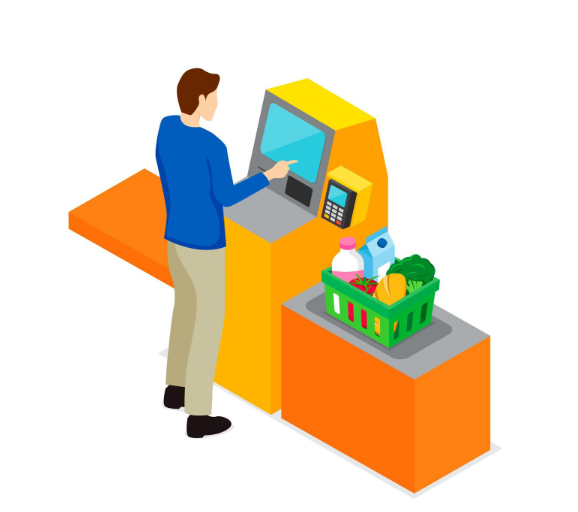
Find your products using barcodes via your device's camera
Value Plus allows you to recall products and scan their barcodes using your device's camera, and then you can enter this product to the cashier screen used with all the data from the name, classification, discount, and seasonal offers to quickly complete the required sale.
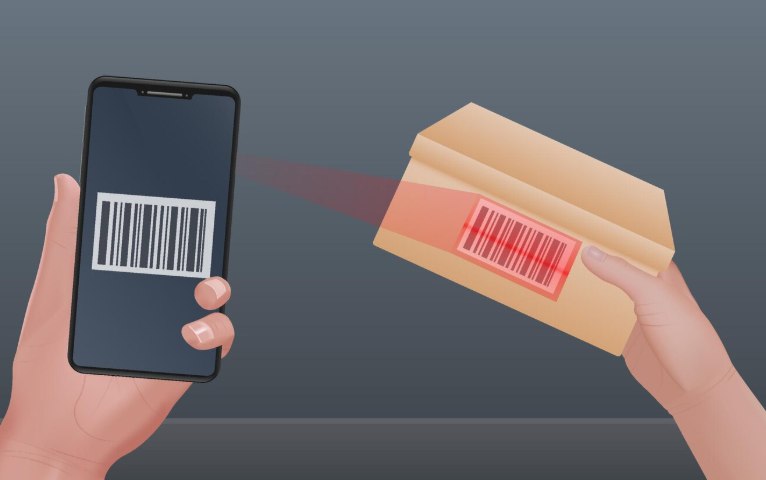
The cashier program enables you to view a complete summary after completing each sale session
View a detailed and complete summary of each sale session as soon as it is closed, including the shift number, the name of the agency and the employee in charge, as well as the start and closing date of the session, and make immediate adjustments after the end of each session to adjust any differences in the cash received, whether an increase or decrease.
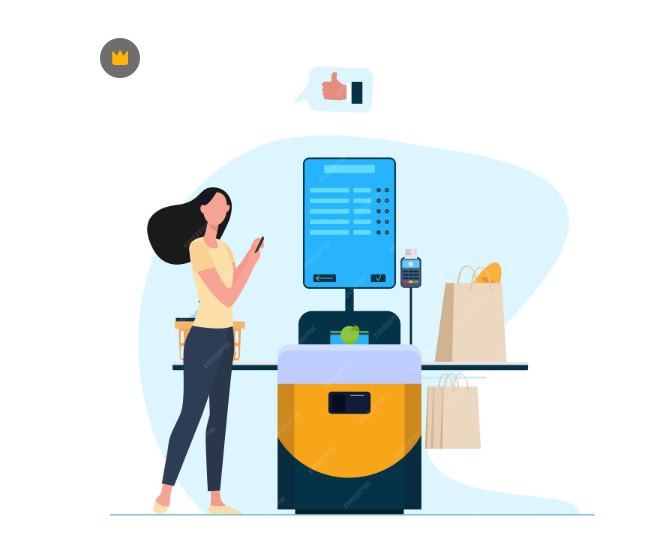
Issue detailed reports of sales session results through the POS system
View a set of detailed sales session results reports to get a clear view of total sales for each individual shift or for aggregated shifts, as well as reports by each product or category you have sold in each session, along with profit and loss reports showing the total cost of goods sold and value of profit Investigated and attributed, all through the Value Plus program.
Manage all operations in the cashier software from one easy-to-use screen
- Make sales from anywhere with the cloud POS app
- Use barcodes to make sales through the cashier
- Find your products using barcodes via your device's camera
- Issue detailed reports of sales session results
Retail stores face numerous challenges. As they are more directly connected with the end-users and customers than any other business vertical, the problems faced by retail stores are huge and require multi-capability ERP systems to overcome them. In the following, we take a look at the three most enduring challenges faced by these businesses. Retail stores of all sizes around the world are adopting retail billing software to navigate problems and overcome the challenges they are facing.

Multi-Store Billing
Imbalanced Inventory

Technical support









Copyright © 2024 Modern Speed.